YoloMouse - Cursor Changer
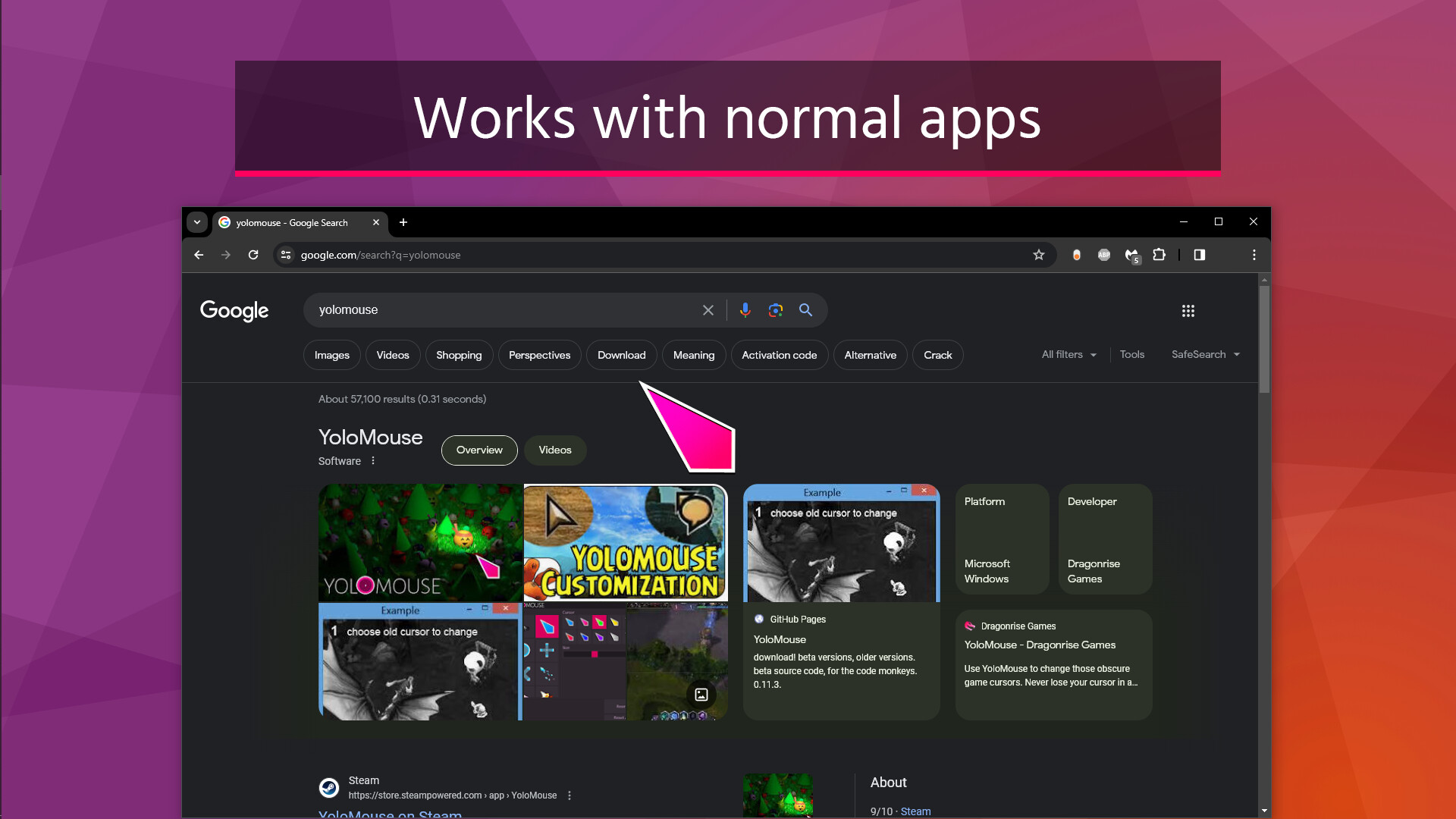
Use YoloMouse to change those obscure game cursors. Never lose your cursor in a heated battle again! Also works with Windows and normal apps.
Release
Recommendations
3k
Use YoloMouse to change those obscure game cursors. Never lose your cursor in a heated battle again!
Great for MOBA, MMO, RPG, ActionRPG, and any mouse based games. Also works with Windows and normal apps.
TIP: To make all cursors visible quickly, choose the special "default" cursor and increase the size or add glow.
Great for MOBA, MMO, RPG, ActionRPG, and any mouse based games. Also works with Windows and normal apps.
Boost visibility
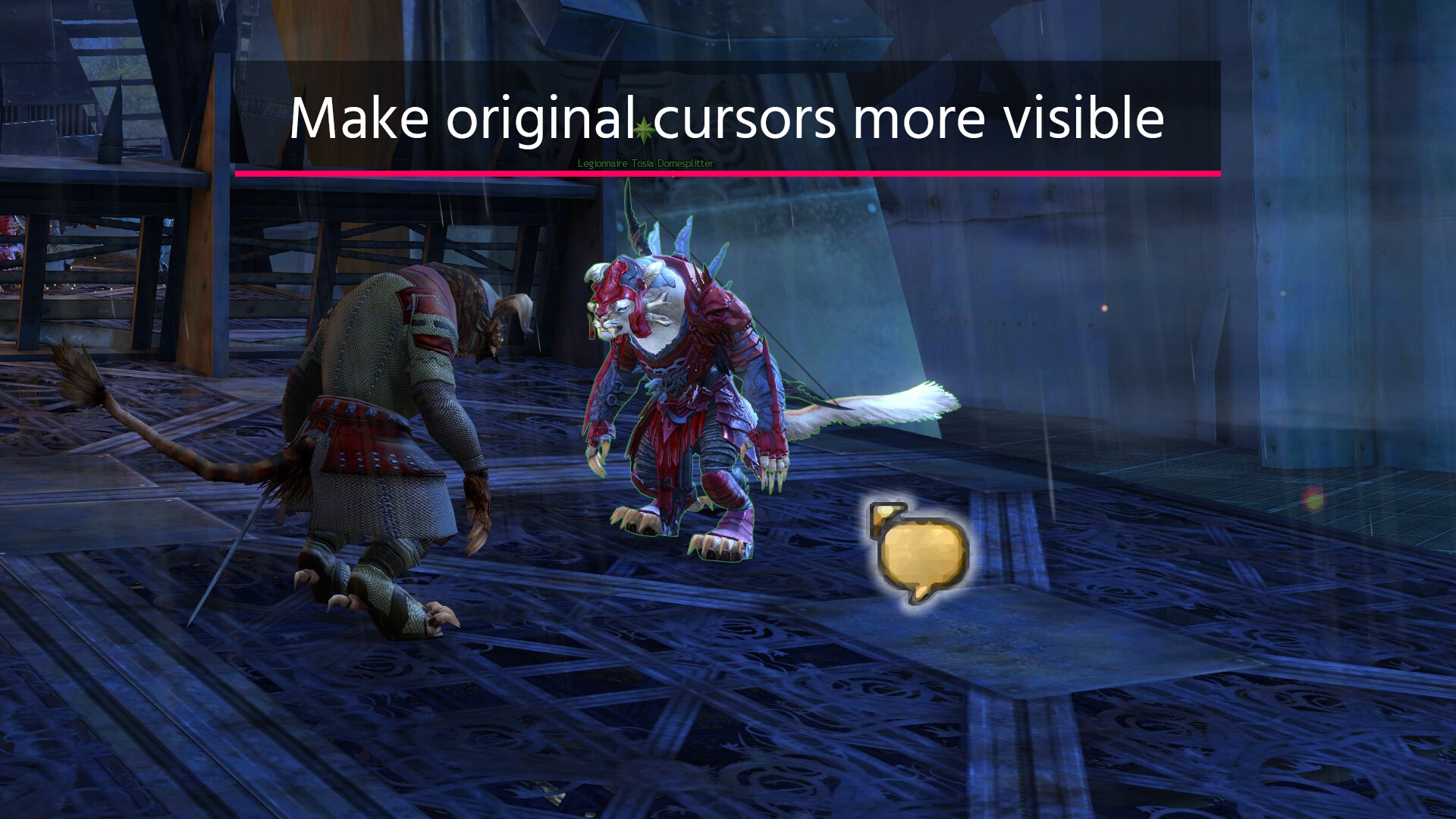
Make those tiny cursors large and colorful.Keep the theme
... or just make the original ones large and glowy.Add effects
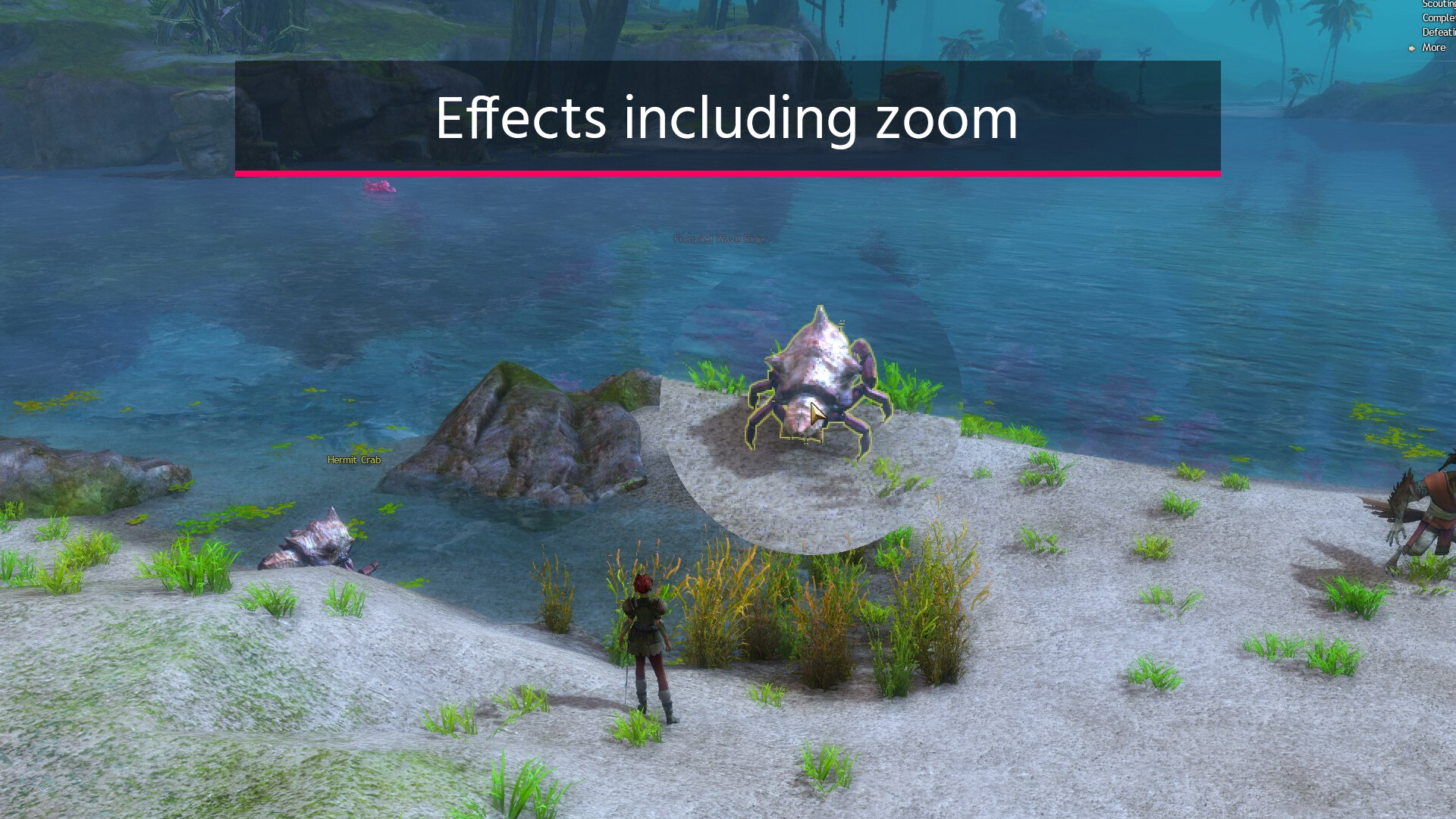
Effects like zoom, cross, and halo add extra visibilty. Great for games and apps.Add style
Some next level cursor options... with jiggle physics!Features
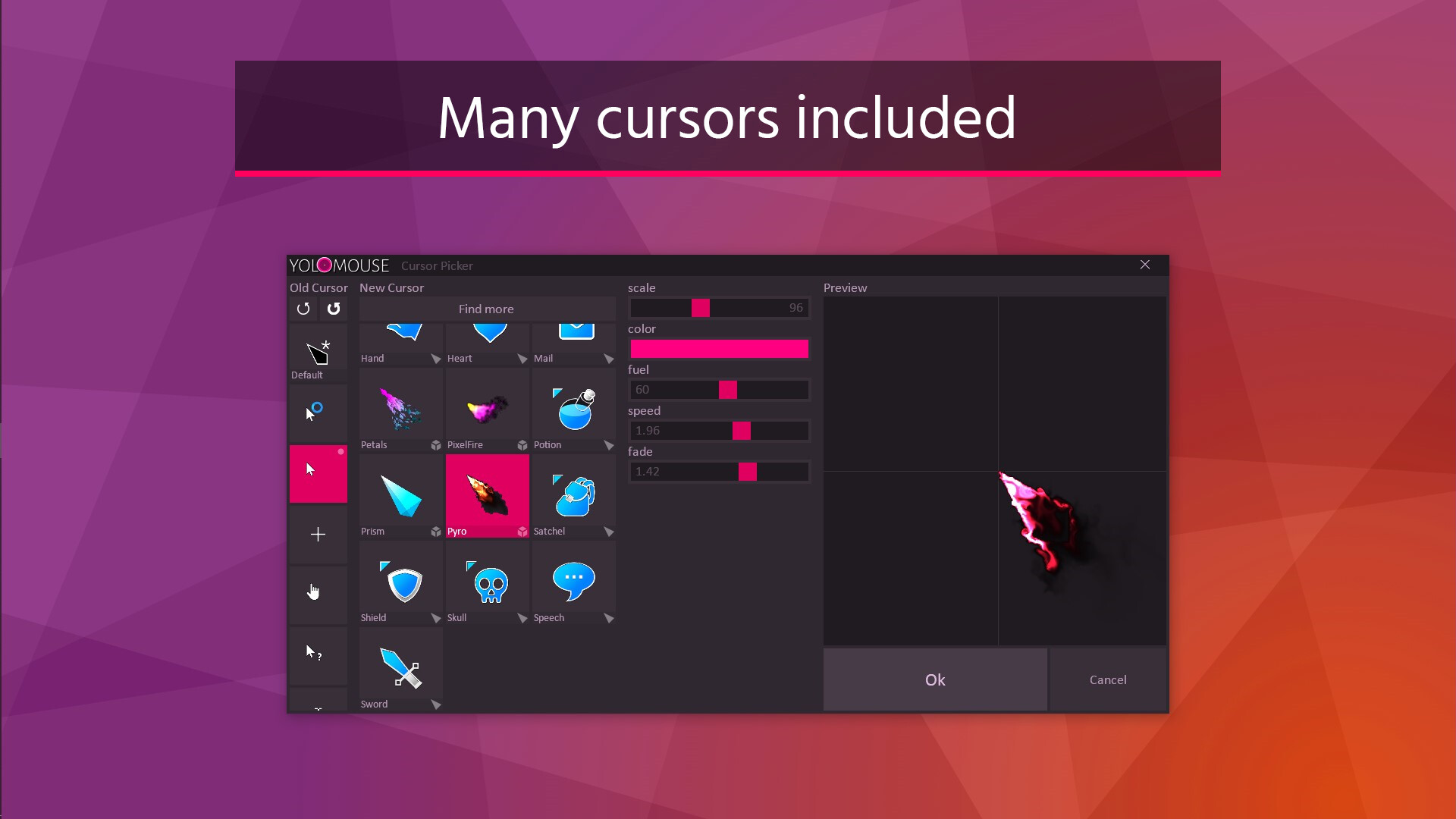
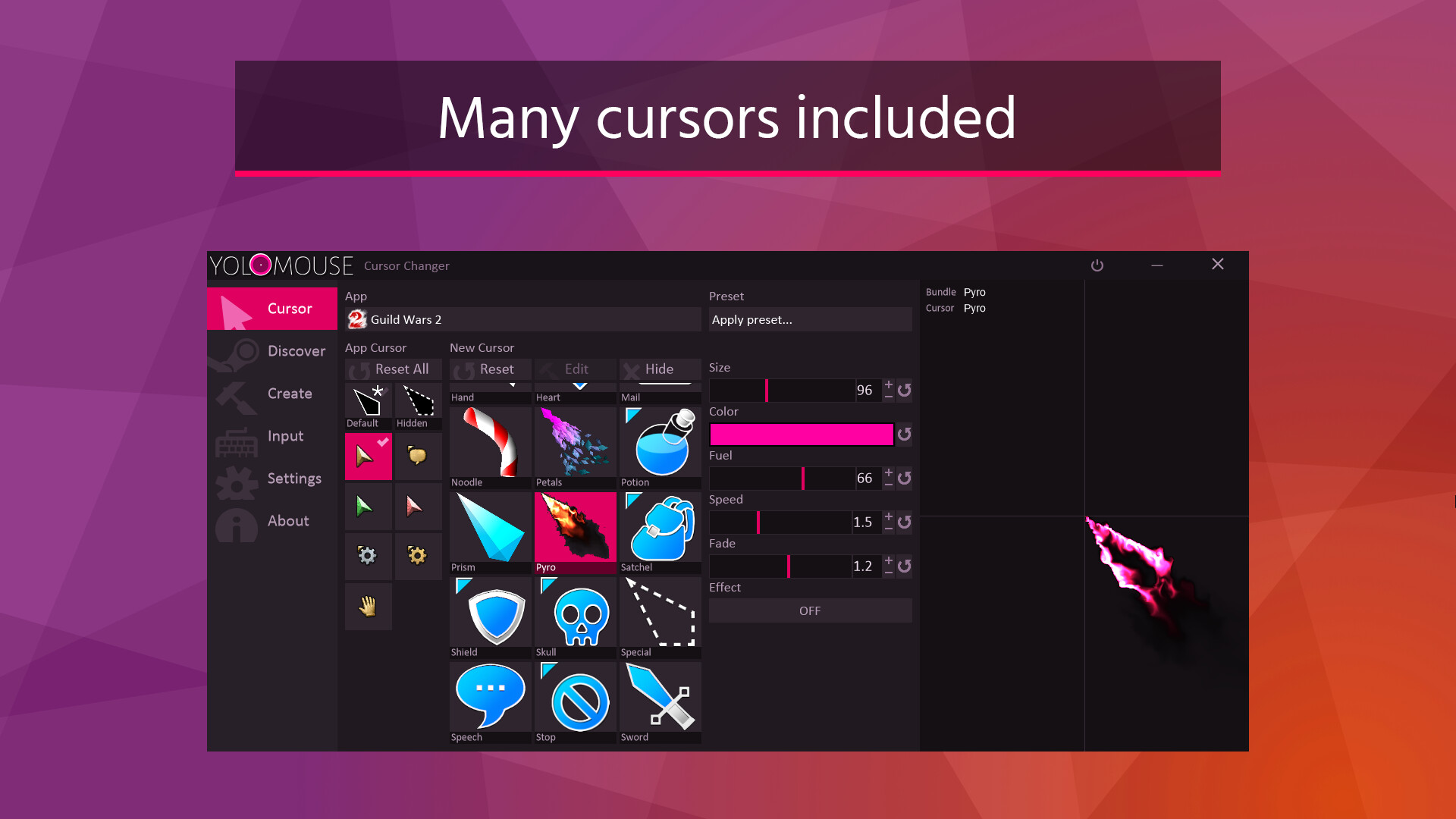
- Includes 26 basic cursors and 4 3D overlay cursors
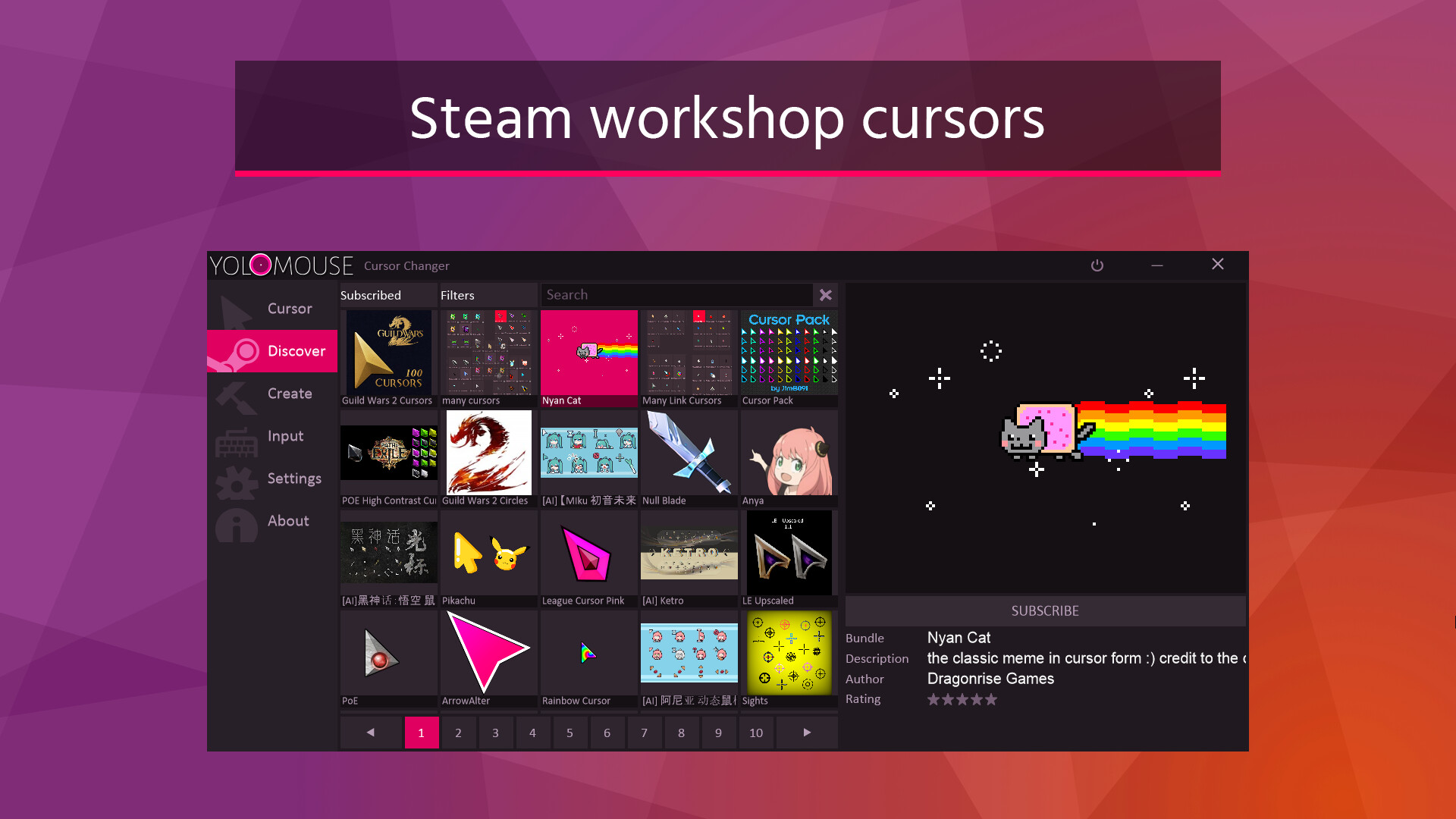
- Many more cursors found on Steam Workshop
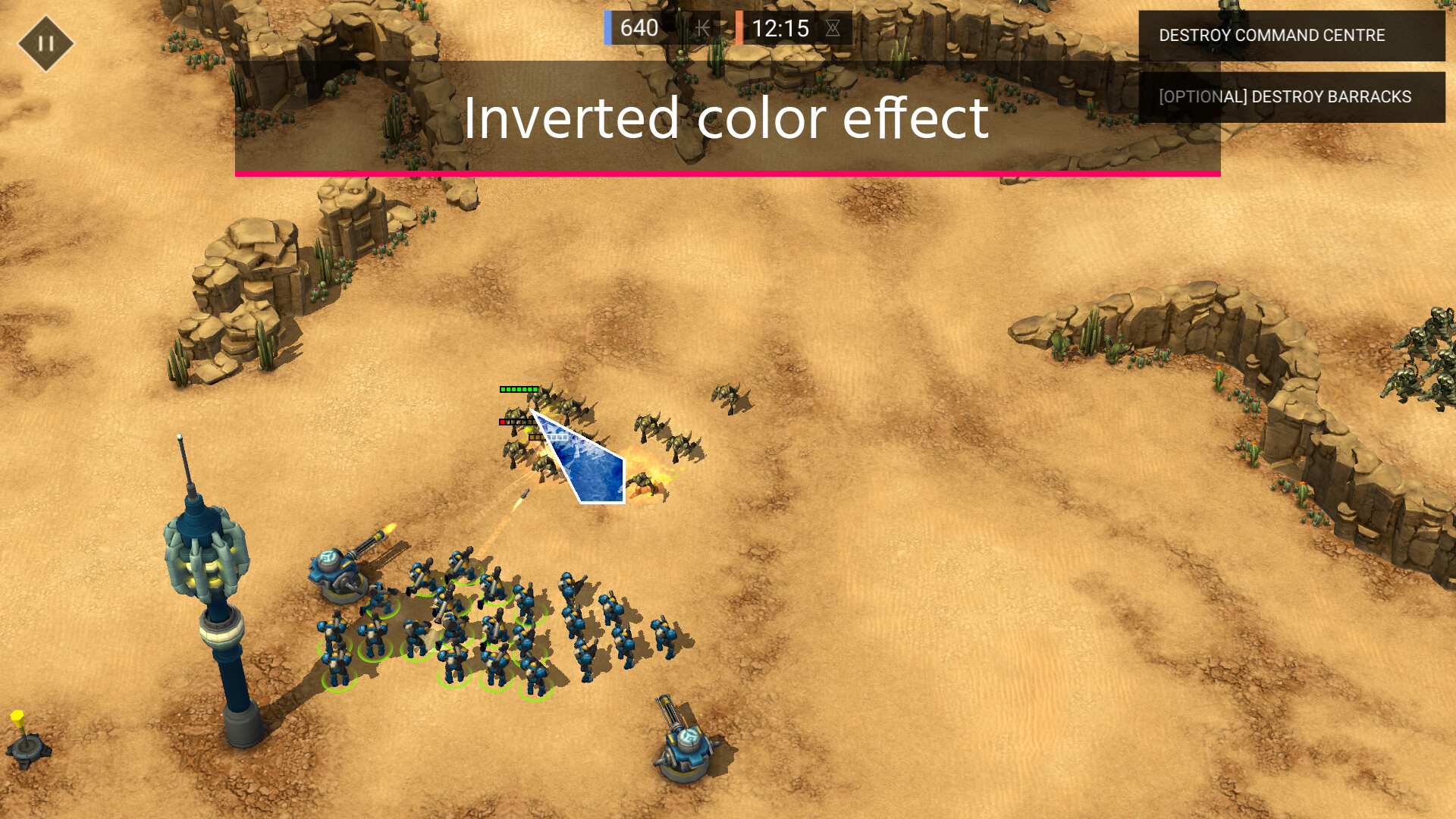
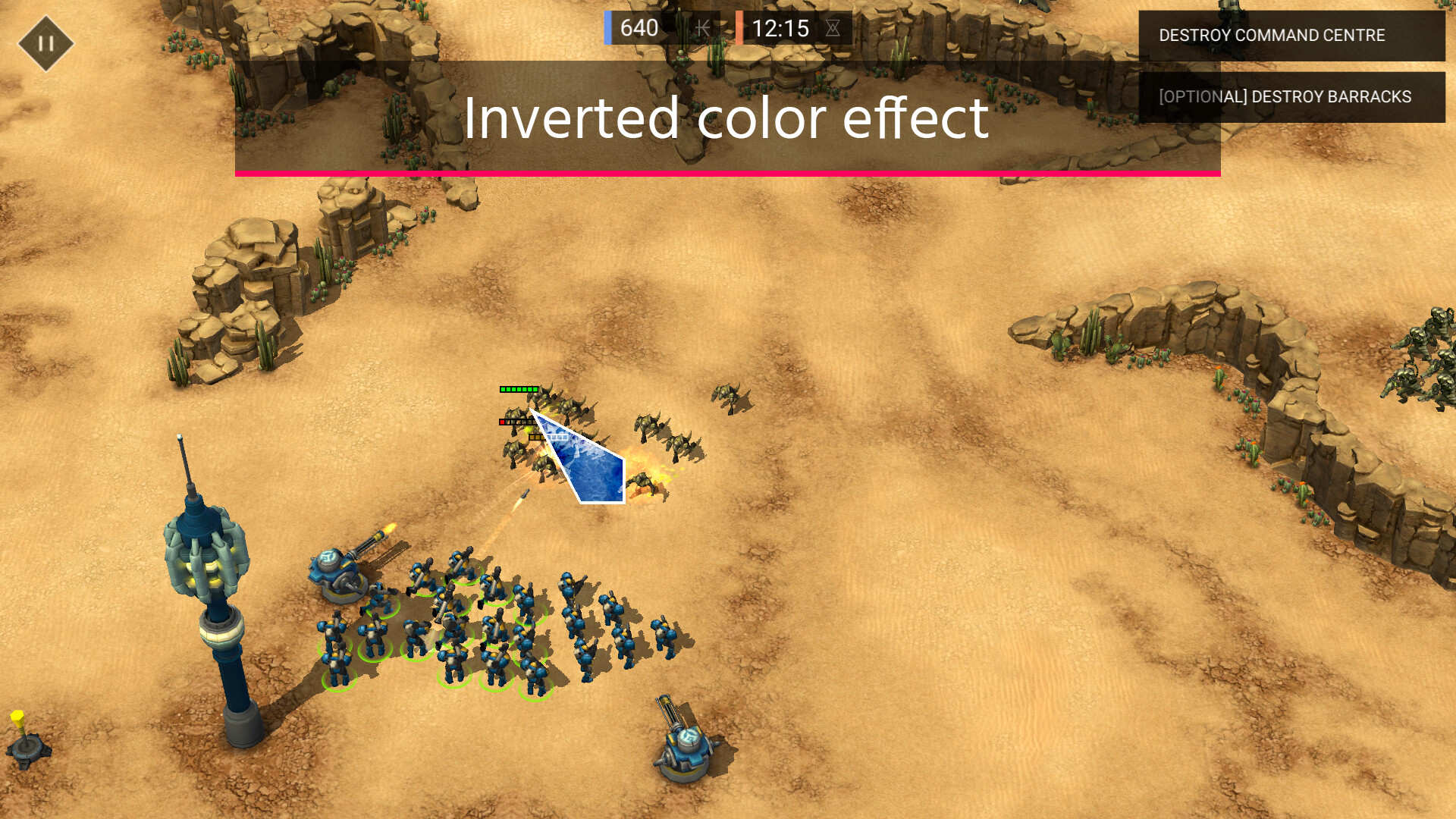
- Many colors, including inverted color.
- Adjustable sizes
- Effects including Zoom, Scope, Halo, Glow, and Mirror.
- Works with any game, Windows, and most apps.
- Preset support
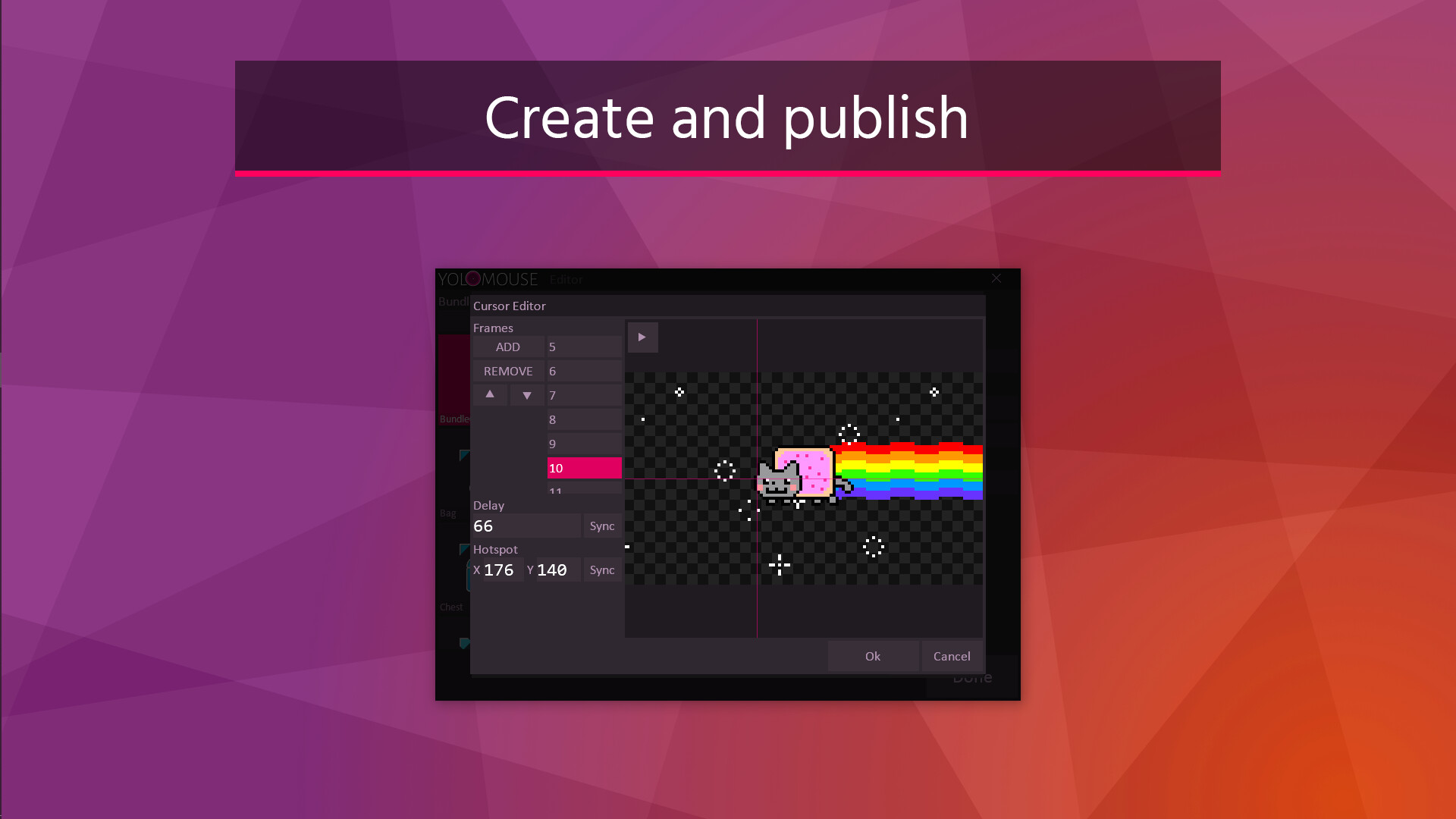
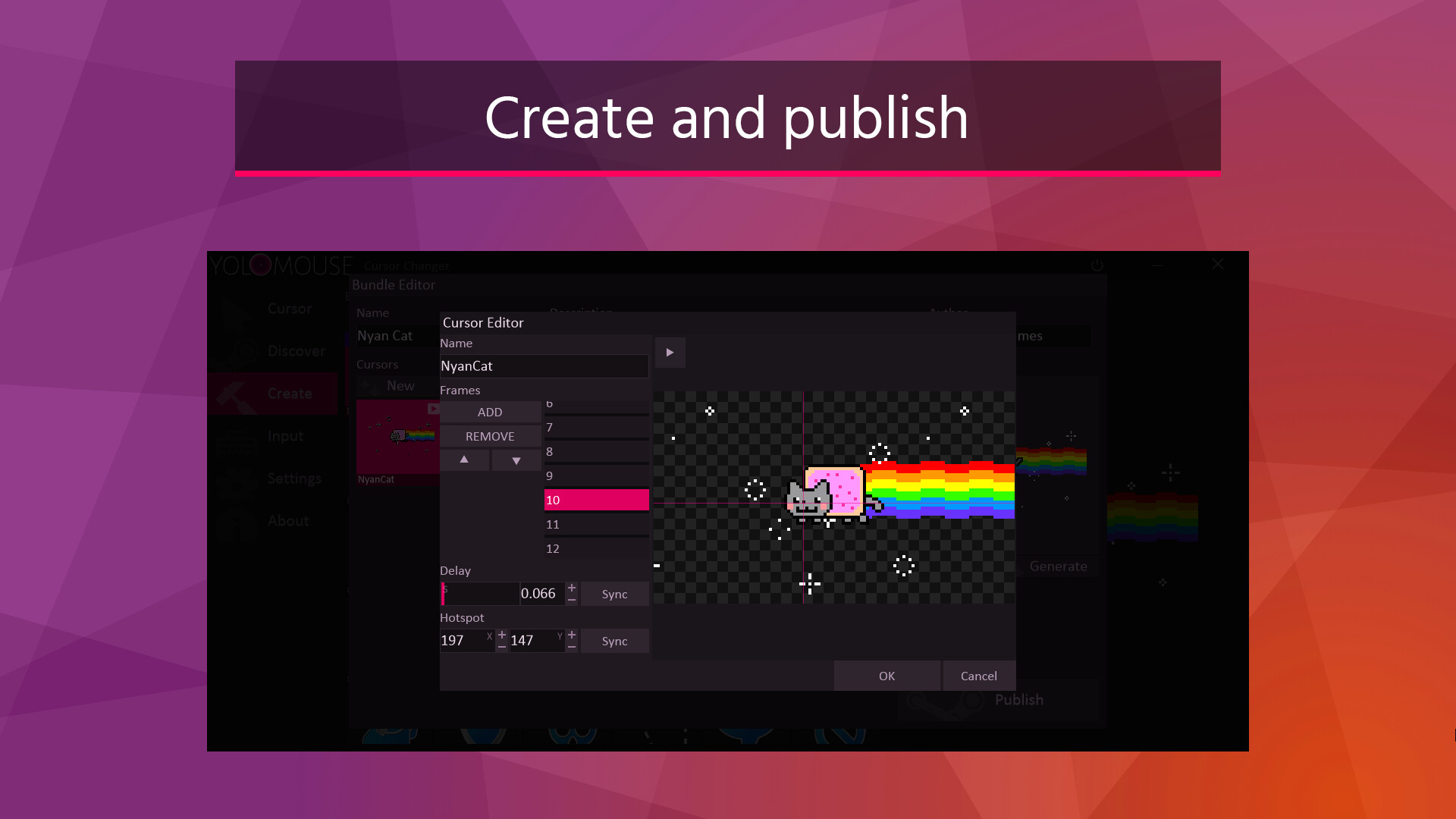
- Cursor editor
- Code signed for security and anticheat support
- Multimonitor support
- No impact on performance
- Jiggle physics!
Instructions
Locate a game cursor you wish to change and hit CTRL ALT C to open a cursor selection UI. Use this to change the cursor, size, and color.TIP: To make all cursors visible quickly, choose the special "default" cursor and increase the size or add glow.
Not a cheat
Yolomouse works similar to other accessibility tools. It is not a cheat and doesn't change the game or app. It is also routinely playtested against major titles to verify safety. However, its still important to verify it does not violate your game's ToS before use.Price
Max: 4,05€
~
Min: 4,05€

Item 1 of 11